Help spread the word
Thank you for being a friend of the festival. Every way below takes a minute or two and needs no special skills. Pick one, or a few.
Print any home or office printer
Choose by how much cutting you want to do. All print on plain Letter paper; card stock looks nicer. Each has a QR code customers scan to buy tickets.
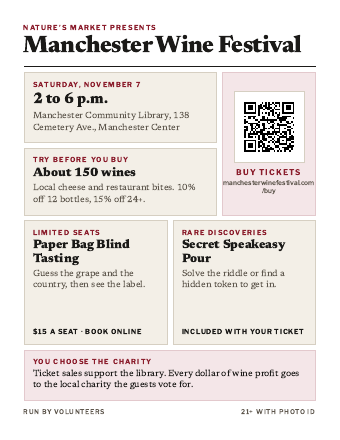 No cuttingFlyerOne per page. For the window, the counter or a noticeboard.
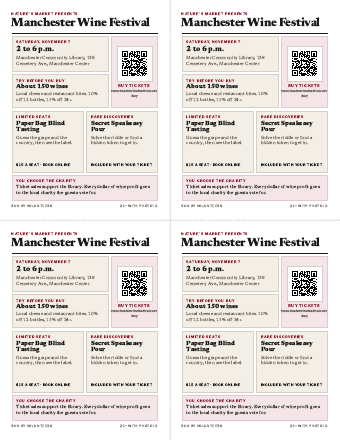 Two cutsPostcardsFour per page. One cut across, one down, on the dotted lines.
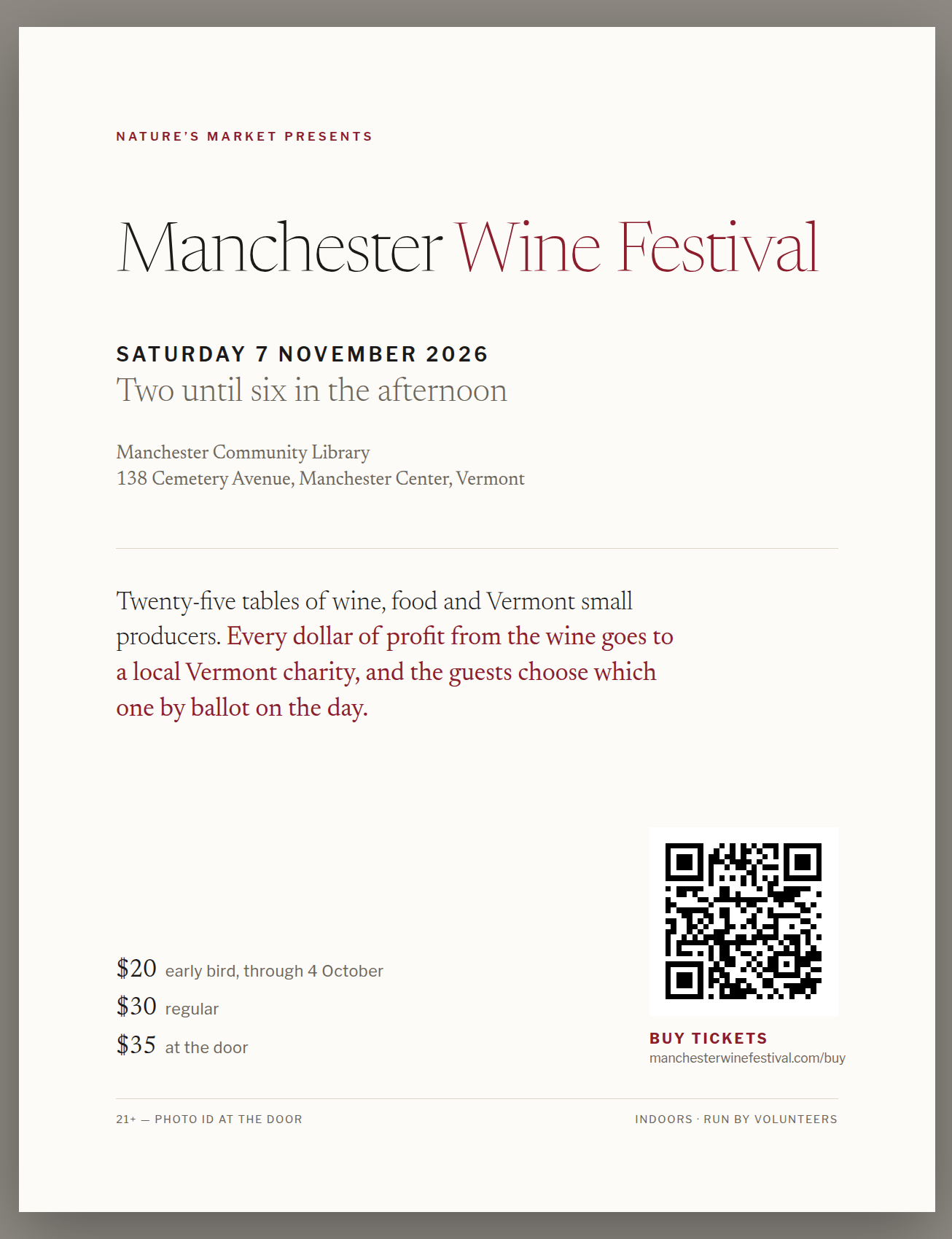 No cuttingClassic posterOne per page, simple and elegant, with ticket prices.
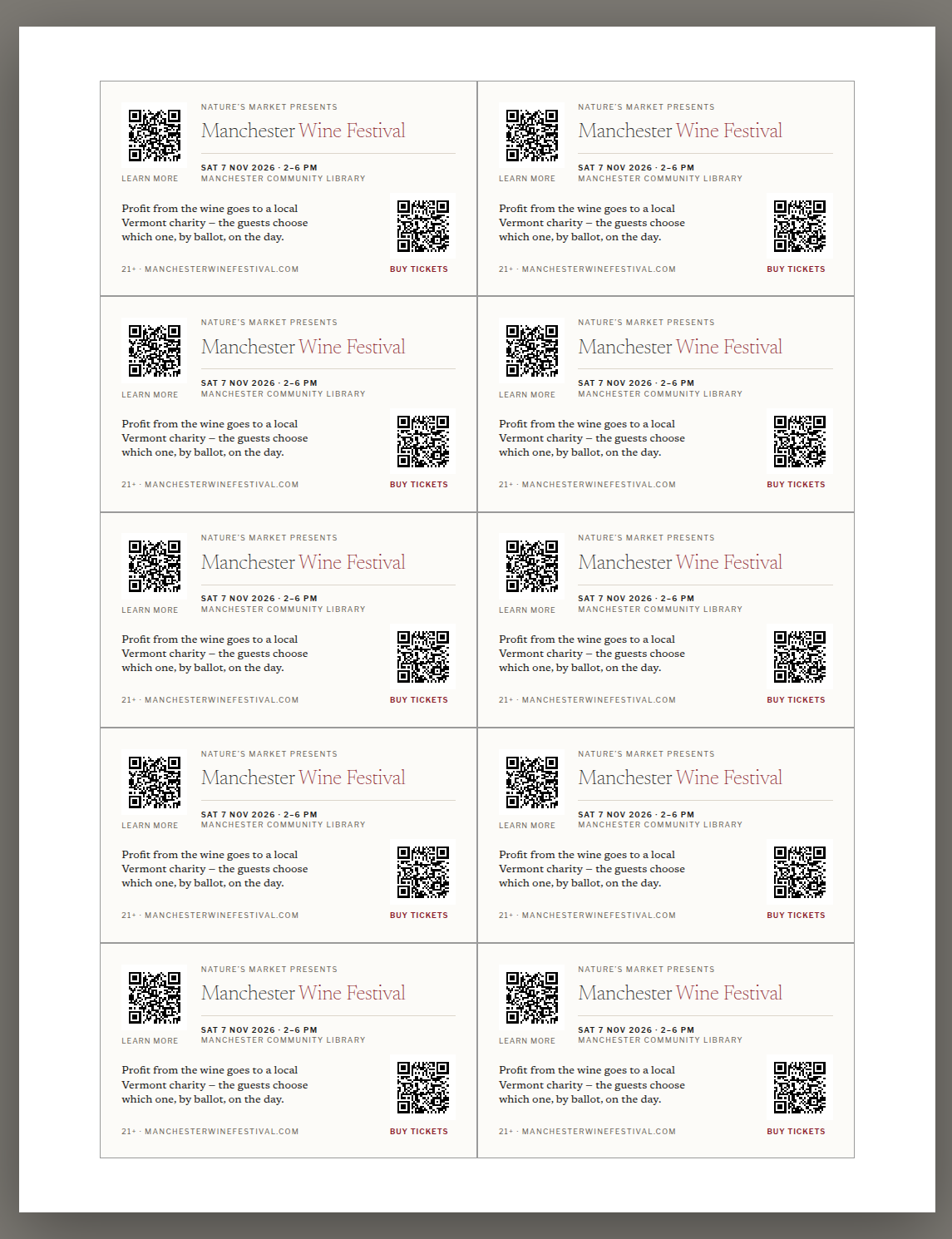 Most cuttingBusiness cardsTen per page. Best with a paper cutter; great in every bag.
Email your customers
Tap the button: an invitation opens in your email with everything filled in. Put your customers in BCC so they don’t see each other’s addresses, and add your own name at the bottom.
Use a newsletter service (Mailchimp, Constant Contact, Square)? Copy this into your next newsletter and add the Facebook image above.
Text a friend
On your phone, tap the button. A text opens with the message ready; pick who to send it to.
No printer? We’ll bring them
Tap the button, fill in how many and where, and send. A volunteer will drop off posters and cards.
Or call the Nature’s Market team at (802) 362-0033.
Your website
If you have a website, a link from it helps people find the festival on Google.
Show me how
Easiest: a button no code
Almost every website builder has a Button block. Add one to your home, events or community page and fill in these two things.
A badge image with a link
Download a badge, add it with your site’s Image block, and set the image’s link to https://manchesterwinefestival.com. Show it at 300 pixels wide; the file is double size so it stays sharp on phones.
Where to click, by website builder
| Squarespace | Edit the page, click +, choose Button (or Image). For an image, open its settings and paste the link into Clickthrough URL. Save. |
|---|---|
| Wix | Add Elements (+) → Button or Image. Select it, click the link icon, choose Web Address, paste the link. Publish. |
| WordPress | In the page editor, add a Buttons or Image block. Click the link icon in its toolbar and paste the link. Update. |
| GoDaddy | Edit website → add a section or edit one, add a Button, set Link to → External link, paste. Publish. |
| Shopify | Online Store → Themes → Customize. Add a section with a button (e.g. Image banner or Rich text), paste the link into Button link. Save. |
| Anything else | Look for Button, Link or Image → link. Or paste the code below into an Embed, Code or Custom HTML block. |
For a web designer copy and paste
Paste into any Embed, Code or Custom HTML block. It shows the badge and links to the festival. For the dark badge, change badge-light to badge-dark.
Stuck?
Send this page to whoever looks after your website, or reply to us and we will help: the Nature’s Market team, (802) 362-0033, [email protected].
Post on Facebook or Instagram